
A Santa video for kids: what to tell Santa
The video is only as good as what you tell Santa. Five answers decide it: the name, the age, three small things, one sentence from a grown-up and, if you like, a gift hint. Here is how to fill each in so your child says "he knew".
$7.99. Ready in about an hour. No account.
The five things to fill in
- The first name, and how to say it. Santa says it out loud. If it is unusual, type it the way it sounds, like "SEER-sha" or "Nah-OH-mee".
- The age, from 1 to 14. It sets how Santa talks to them.
- Three small things: something they did this year, a friend, pet or sibling, and something they are working on.
- "Your mom told me..." One sentence in your words. This is the moment kids remember.
- A gift hint, if you want one. Santa mentions it without promising anything.
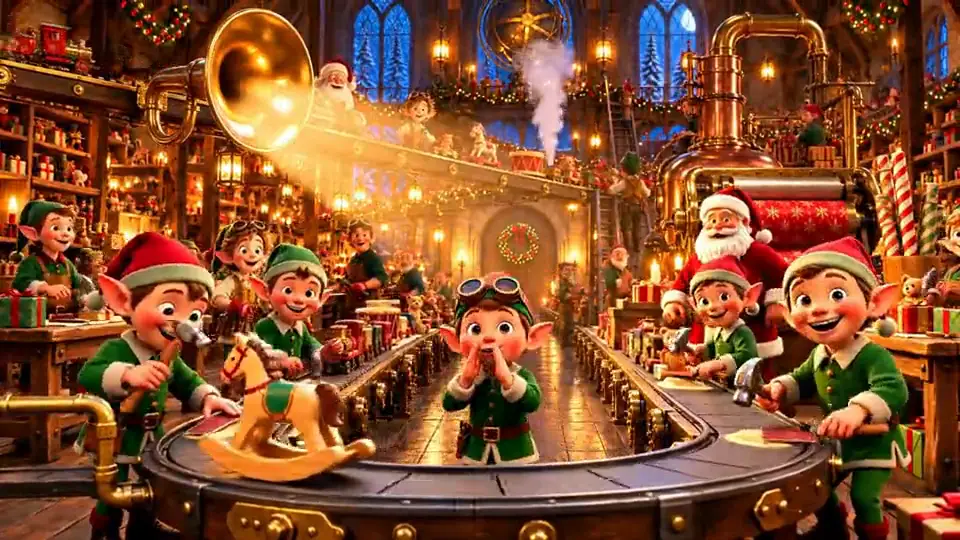
Good and weak answers
| Field | Weak | Strong |
|---|---|---|
| Something they did | Was good this year | Learned to ride the bike without training wheels |
| A friend or pet | Has a dog | Their dog Biscuit, who steals socks |
| Working on it | School | Reading chapter books on their own |
| A grown-up told Santa | They are nice | Mom says you share your snacks with your little brother |
Use first names only. Do not type a last name, address or school.
Make it fit the child
- Ages 1 to 3: pick one pet or toy and the name. Keep the details short.
- Ages 4 to 6: the "your mom told me" line carries the whole video. Pick something specific and kind.
- Ages 7 to 10: add something they are working on. They like being seen as growing.
- Ages 11 to 14: skip the babyish bits and pick one real accomplishment.
Have your notes ready? The form takes about two minutes. The Santa page has a sample, and the free versus paid guide covers cost. Make my child's video
Extras that change the video
- Drawing on Santa's desk, $1.99: upload your child's drawing and it sits on Santa's desk in the video.
- Sibling in the same video, $3.99: a second child gets named and their own moment.
- Longer personal message, $1.99: Santa talks longer about what you tell us.
- HD 1080p download, $1.99, and a printable Nice List certificate, $0.99.
When and how to show it
Watch it yourself first. It is ready in about an hour, and automatic checks look for the name in every video; a person reviews videos that fail those checks. If something is off, write to hello@gethollyhush.com within 30 days and we fix it or refund you.
Prices of other apps are in the Santa video price comparison. Pick a time: Christmas Eve, the night after a first snow, or the day a gift hint matters. Download the file before the 30 days pass, because the video is deleted then.
Frequently asked questions
What do I need to tell Santa for a personalized video?
The child's first name and how to say it, their age, three small things about them, one sentence from a grown-up and, if you like, a gift hint.
Can Santa mention a gift?
He can hint at it, but he never promises one, so you stay in charge of Christmas morning.
Which look should I pick?
Animated is a bright storybook cartoon and the default. Cinematic is a warmer film-style look. Compare both on the Santa page.
Is it safe to give a child's name?
There is no account and nothing is posted. What you type is used only to make the video and is deleted with it 30 days after it is ready.
How old can the child be?
From 1 to 14.
A video from Santa
Santa says your child's name in an 80 second video. You type a few details, pay once and watch it in about an hour.
Make my child's video- $7.99, no account
- Animated or Cinematic look
- Deleted after 30 days
Ready when you are
Type a few details about your child and pay $7.99. The video is ready in about an hour. No account.