Run your company or department gift swap for up to 300 people. Paste a list of names and emails, and each person gets their own private link. $39 once per event, with a receipt you can expense.
Create your group, freePay after you create it. Free for up to 50 people without the Office plan.
Up to 300 people
Receipt PDF for expenses
No app, no accounts
Names pastedInvites sent
How an office swap runs
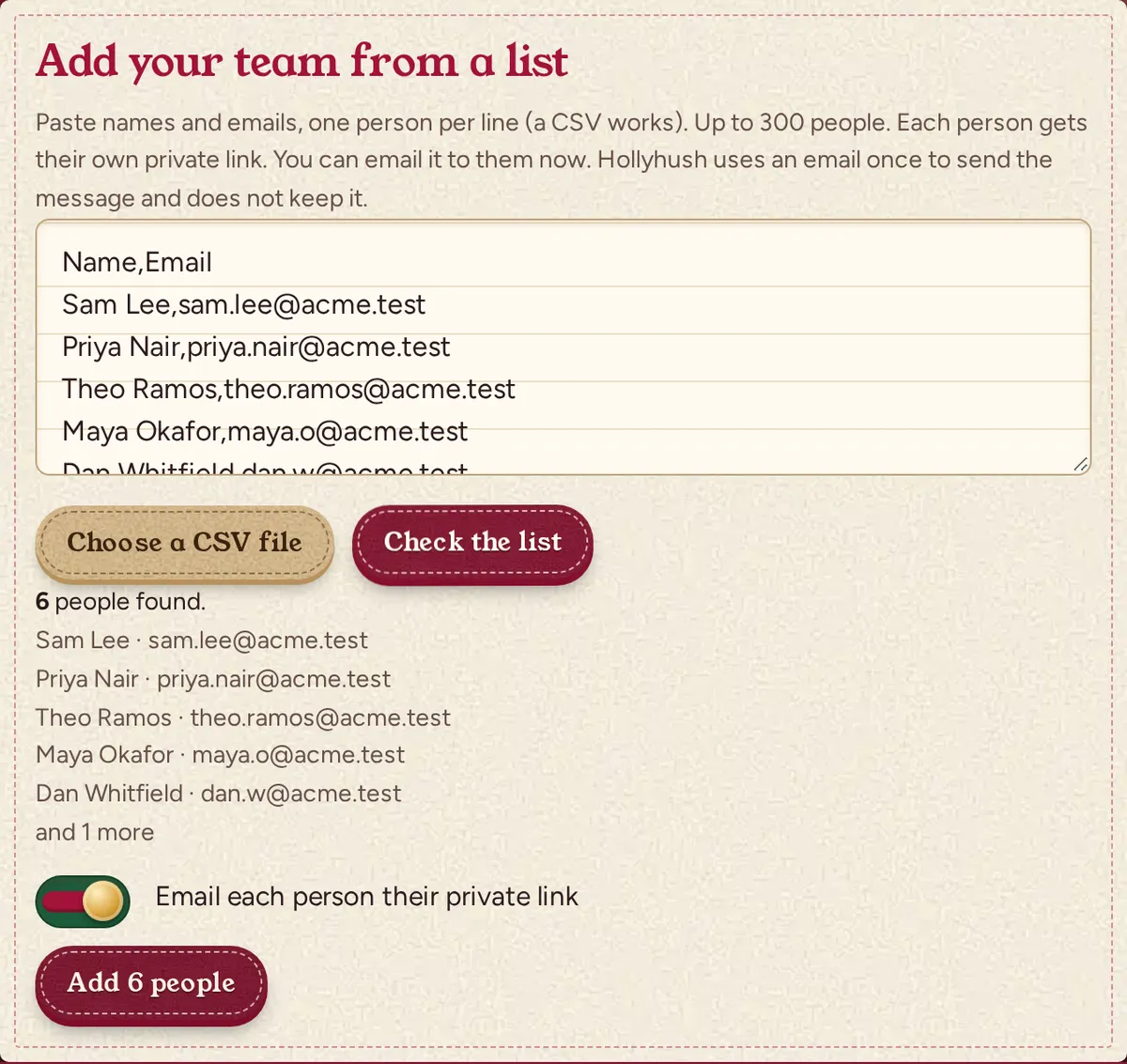
Paste your list, each person gets a private link, and the reveal goes on the big screen.
1
Paste names
Names and emails, or a CSV
Paste names and emails from your HR system, or share one invite link in the team chat. Up to 300 people.
2
Invites go out
Dana invited you to Acme Holiday SwapFrom Hollyhush
Hi Sam, Dana is running a Secret Santa for "Acme Holiday Swap" and added you.
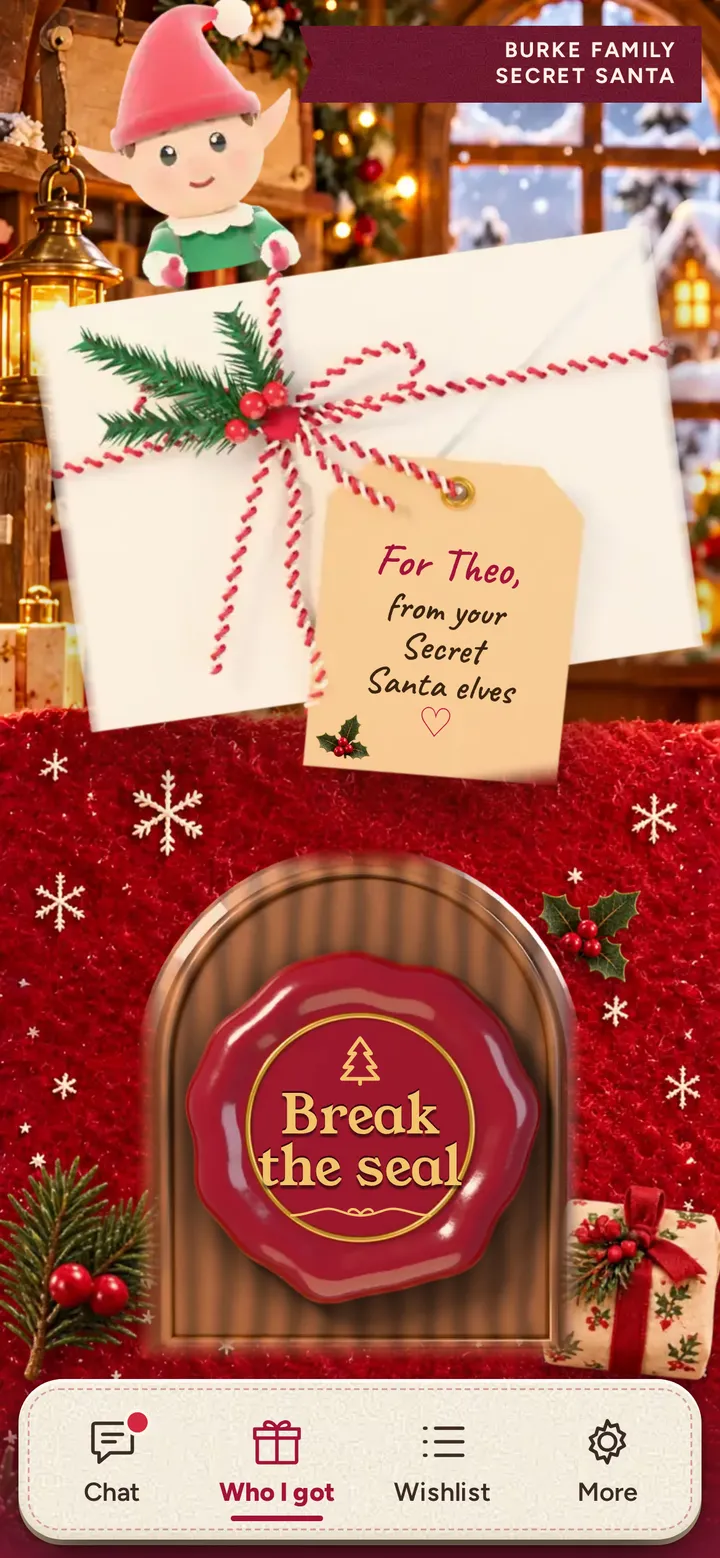
Your private page
No app and no account. The link works on the first device that opens it.
Example email
Each person gets their own private link by email. You do not chase anyone, and the addresses are not kept.
3
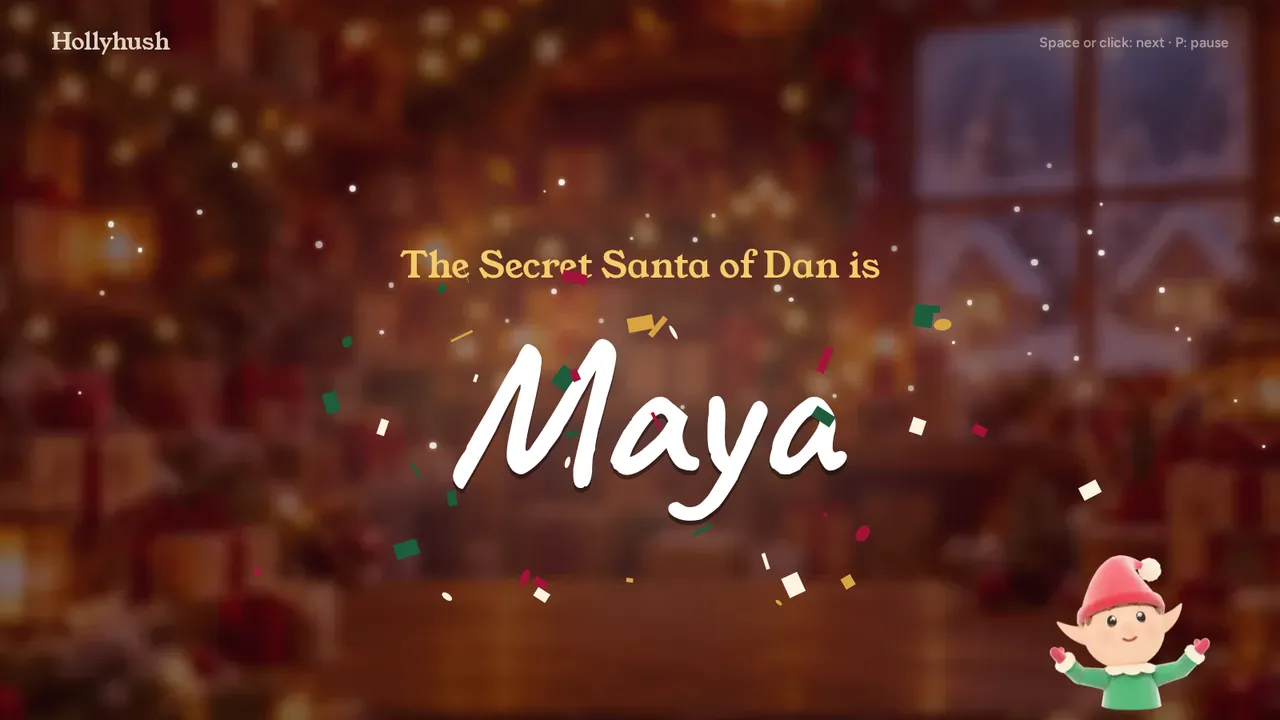
Reveal on the big screen
At the party, put the TV page on the conference-room screen. It shows each pair one at a time, then who guessed right.
Rules for work
Keep managers and direct reports apart
Before you draw, add any pair who should not get each other, such as a manager and their direct report. If the rules make a draw impossible, Hollyhush tells you which ones to change.
Nobody sees the matches unless you turn that on. You can take part too.
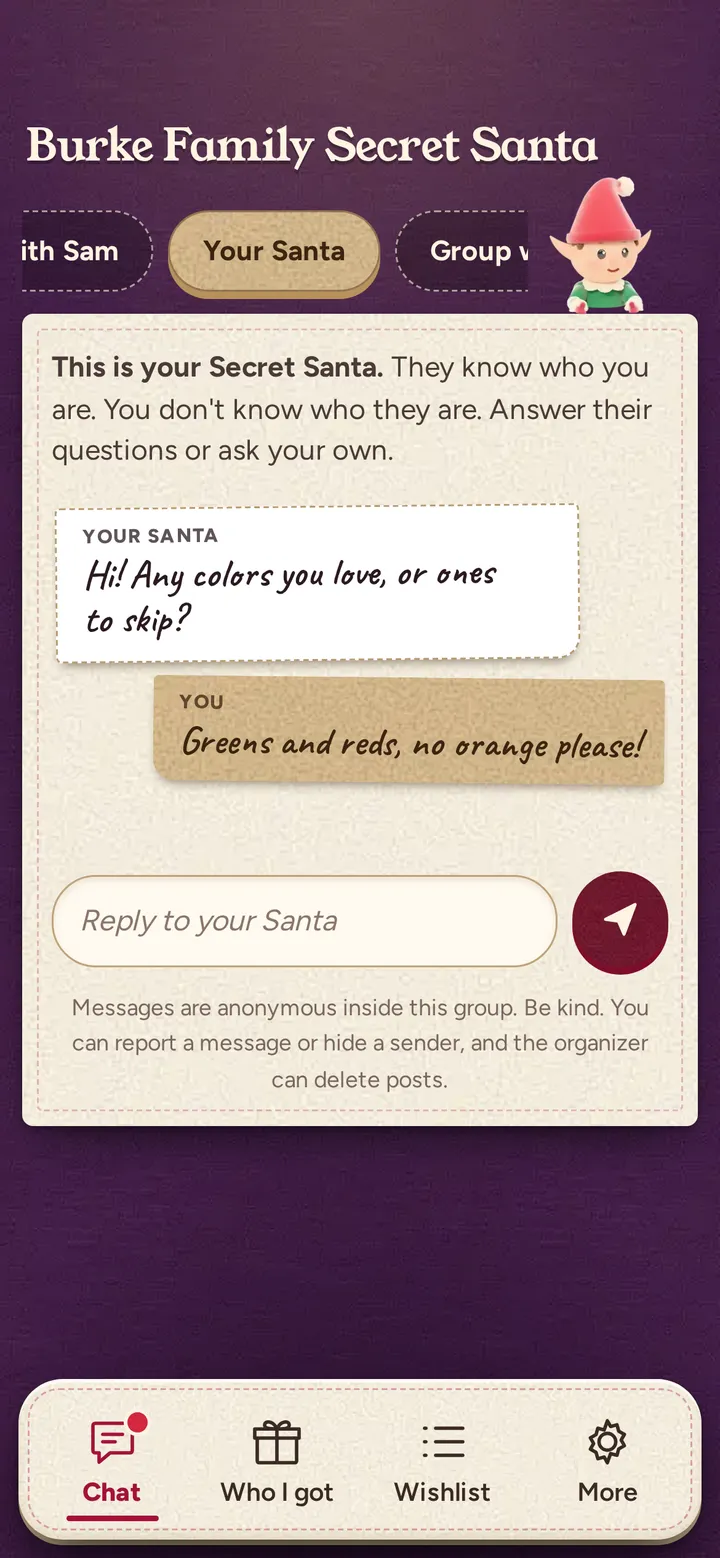
Chat is anonymous and checked for bad words, links and phone numbers. You can hide any post or remove a person.
No accounts and no app. Each person opens their own private link.
$39 per event, and a receipt to expense it
One payment per event, no subscription. You create the group first, so you can look around before you pay.
Office plan
$39per event, one time
Up to 300 people in one group. The free limit is 50.
Paste names and emails, or upload a CSV from your HR system.
Email each person their private link.
A receipt PDF with a receipt number and your billing details.
Everything in the Party Pack: TV reveal, extra looks, gift tracker, a reminder message and white elephant options.
Yes. After you pay you can download a PDF receipt from your organizer page. It has a receipt number, the date, the amount ($39) and your billing details from checkout.
Does everyone need an account or an app?
No. Each person opens their own private link in a browser and types nothing else. There is no app and no sign-up.
What happens to the email addresses I upload?
Hollyhush uses each address once, to send that person their link. It does not keep the addresses. Only the first name or the name you gave is stored in the group.
Can I see who has who?
No, not unless you choose to when you draw. By default nobody can see the matches, including you, so you can take part too.
Is the chat safe for work?
Messages are anonymous inside the group and are checked for profanity, threats, links and phone numbers before they post. You can hide any wall post, pause a poster or remove a person. You never see who wrote what.
What if we have fewer than 50 people?
You can use the free version. The Office plan is for bigger teams, or for when you want to paste a list, email links and get a receipt.
How do we pay?
By card through Stripe, once, from your organizer page. You create the group first, so you can look around before you pay.
Can we get a refund?
Email hello@gethollyhush.com and we will sort it out. A refund turns the Office features off for that group.
Set up your office swap in about 10 seconds
Create the group for free, look around, and add the Office plan when you are ready to import your list.