
Secret Santa reveal on the TV
Put the group's Hollyhush page on a TV or projector and reveal the pairs one at a time while people guess. The free lobby screen shows who has joined. The Party Pack ($6.99, once per group) adds the pairs and a scoreboard on the big screen. A 40 minute run of show is below, and the reveal party plan covers a full evening.
What you need
- A TV or projector with a browser, or a laptop connected by HDMI, or a phone cast to the TV.
- A Hollyhush group where everyone has joined and the draw is done.
- A volunteer to run the screen, ideally not someone who is part of the surprise.
- Gifts wrapped with no name on the outside, or a tag the host can see.
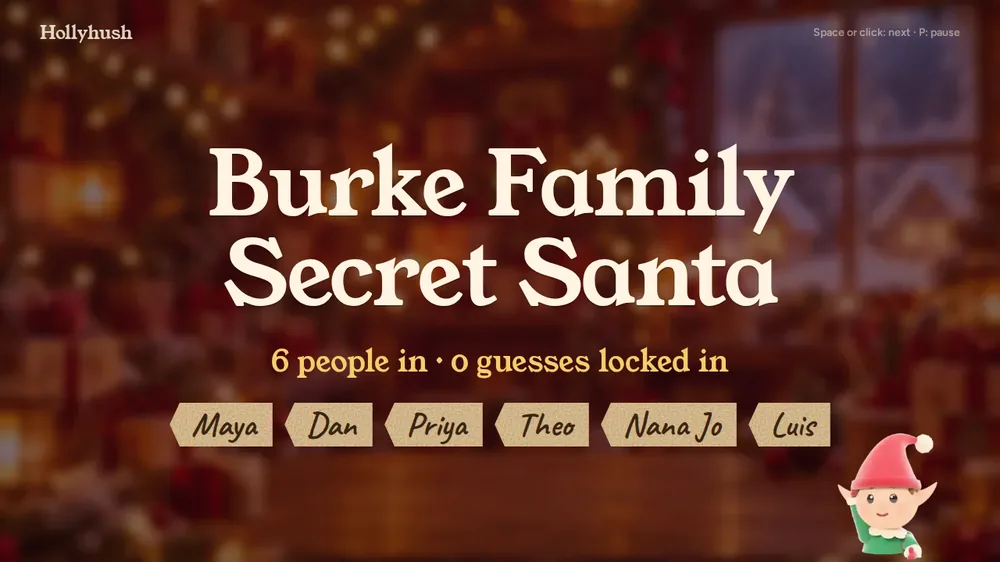
Free and Party Pack: what is on the screen
| Feature | Free | Party Pack |
|---|---|---|
| Lobby screen, who has joined | Yes | Yes |
| Guess-your-Santa game | Yes, on phones | Yes |
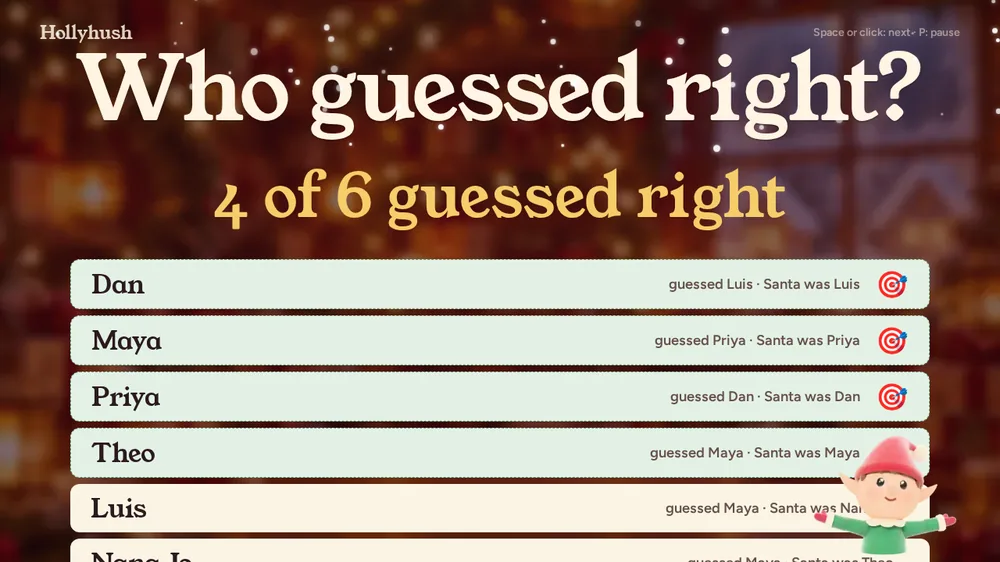
| Pairs, one at a time, on the TV | No | Yes |
| Scoreboard on the TV | No | Yes |
| Reveal card to share | Yes | Yes |
| People per group | Up to 50 | Up to 200 |
Four ways to get the page on the screen
| Method | How | Catch |
|---|---|---|
| Smart TV browser | Open the TV page address in the TV's own browser | Typing the address with a remote is slow; use a short link |
| Laptop and HDMI cable | Plug the laptop in, pick the HDMI input on the TV, open the TV page | Needs the right adapter for your laptop; no Wi-Fi needed for the cable itself |
| iPhone or Mac with AirPlay | Put the device on the same Wi-Fi as the TV or Apple TV, open Control Center, tap Screen Mirroring, pick the TV and enter any passcode shown | Apple's instructions require the same Wi-Fi network; the TV must support AirPlay |
| Chrome with Chromecast | In Chrome choose Cast, pick the Chromecast or Google TV, and cast the tab | Tab casting plays sound on the TV; casting the whole screen may play sound on the computer instead |

A 40 minute run of show
- 0 to 5 minutes: open the TV page, let people settle and do a toast.
- 5 to 10: everyone submits a final guess in the guess game on their phone.
- 10 to 30: the host taps next. A giver and a giftee appear. The giftee opens the gift and the room reacts.
- 30 to 35: show the scoreboard. Who guessed the most Santas?
- 35 to 40: group photo and a share card.
Keep the TV page and the guesses private until it is time. Anonymous chat before the party builds the mystery.
Before the night: test the screen
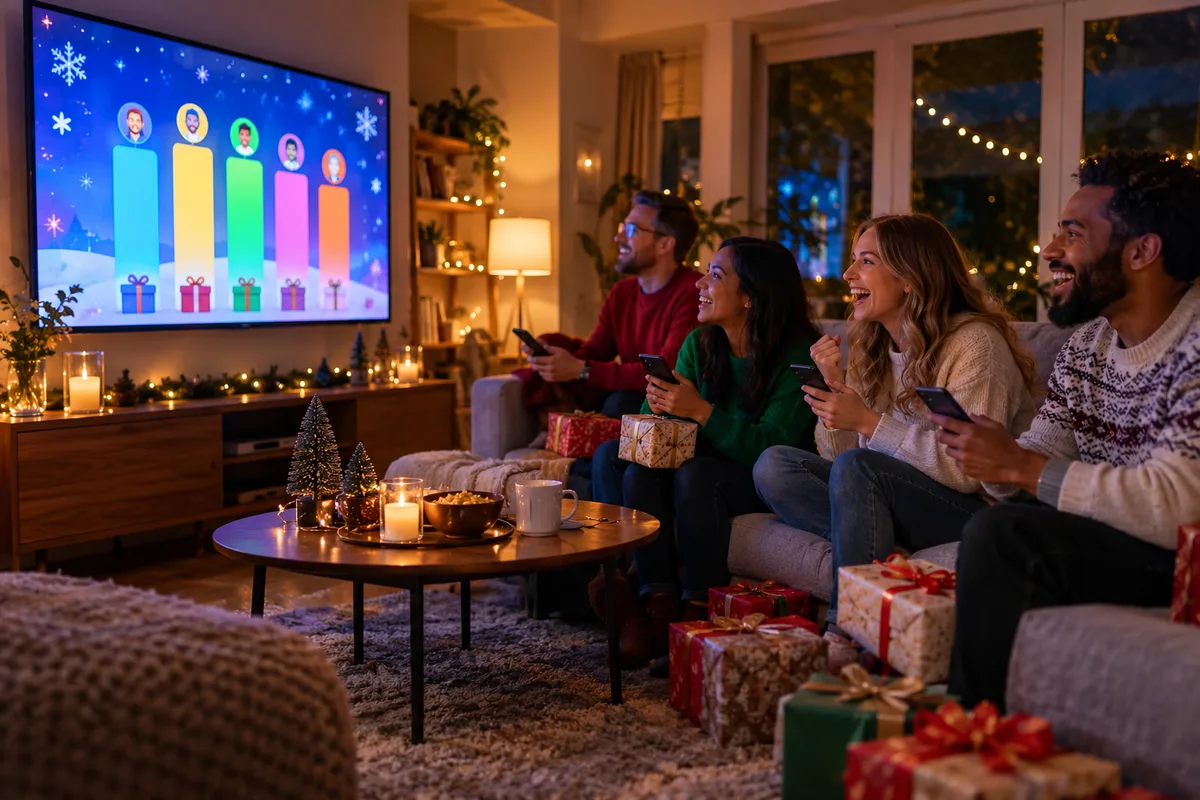
- Open the TV page on the actual screen a day early.
- Check the sound and the sleep settings of the TV so it does not go dark mid-reveal.
- Have a backup: a phone showing the same page.
- Decide who runs it, and give them a short list of the steps.
- If you mirror a phone, check that both devices are on the same Wi-Fi network first; that is the first requirement in Apple's AirPlay instructions.
If you only use the free version
You can still run a good reveal. Show the lobby screen on the TV and have people share guesses on their phones. To read pairs aloud, either let each person open their private page and read out their Santa, or use the organizer page, which shows the pairs only if the organizer chose to see the matches when the draw was made (by default nobody sees them, including the organizer). The Party Pack makes it smoother, but the party does not need it.
Make it fun
Give a small prize to the best guesser and one to the best clue. Use the reveal scorecard if you prefer paper. For more ideas and party games see Secret Santa reveal ideas, and for the full evening plan the reveal party plan.
Create a group now and test the TV page before the party. Create your group, free
Frequently asked questions
How do I show Secret Santa pairs on a TV?
Open the group's TV page on any screen with a browser and tap through the pairs. Pairs on the TV are part of the Party Pack.
Is TV mode free?
The lobby screen is free. Pairs and the scoreboard on the TV are in the Party Pack, a one-time payment per group.
Do I need a smart TV?
No. A laptop with an HDMI cable or a phone cast works.
How do I cast the TV page from my phone?
On an iPhone, put it on the same Wi-Fi as the TV, open Control Center and choose Screen Mirroring. From Chrome on a computer, use Cast and pick your Chromecast. Cast a tab if you want sound on the TV.
How long does a TV reveal take?
About 40 minutes for 10 to 15 people.
Can the matches be hidden until the reveal?
Yes. Nobody sees matches unless the organizer chooses to.
Try it now
A draw takes about a minute. No signup, no email, a private link for everyone.
Create your group, free- Couples & exclusions
- Wishlists & anonymous questions
- Deletes itself in 60 days
Ready when you are
Make a draw in a minute. No signup, no email, private links for everyone.